Native vs Cross-Platform App Development: Cost, Performance and Features
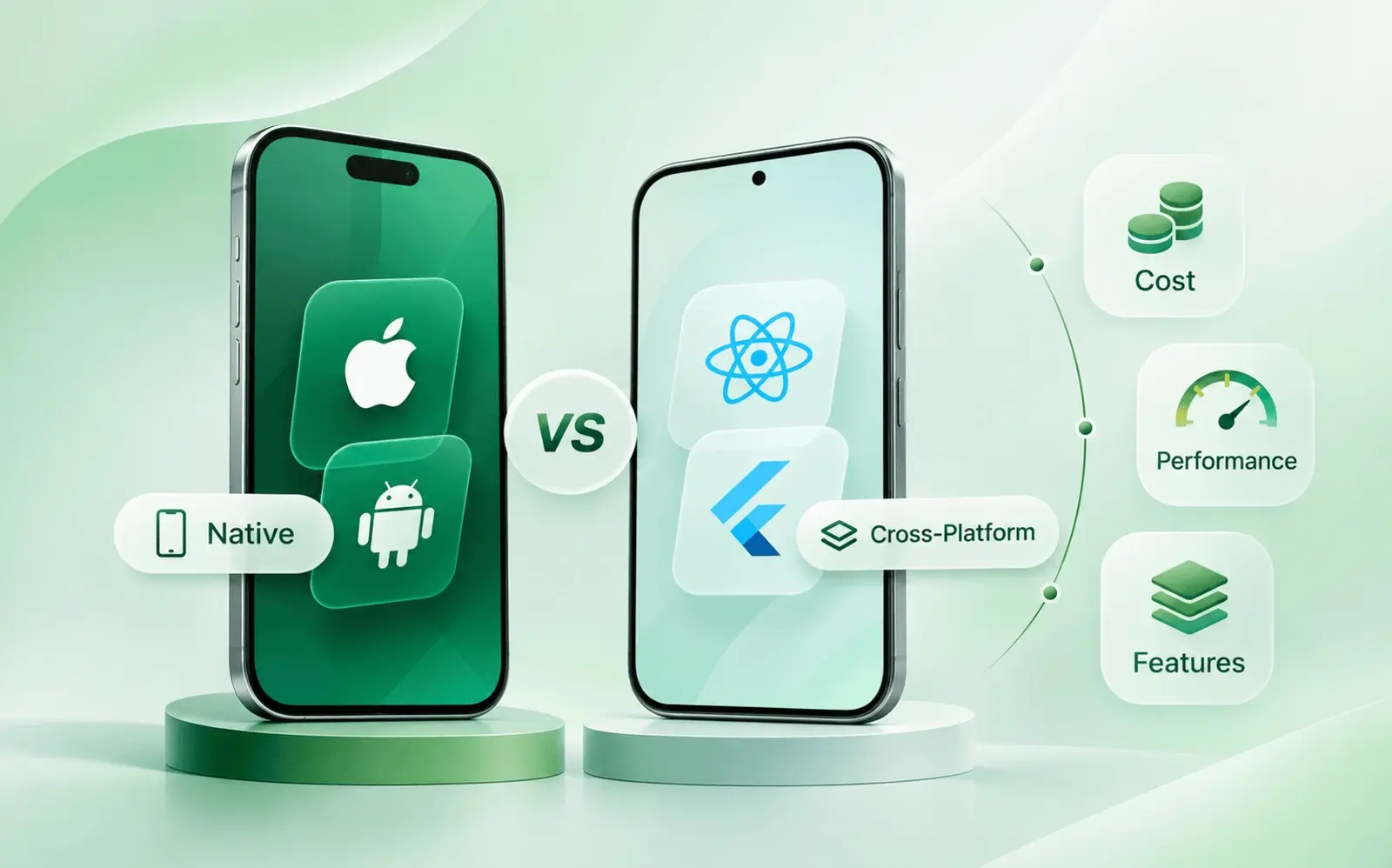
Native app development builds separate apps for iOS and Android, giving the best performance and full access to device features at a higher cost. Cross-platform development uses one codebase for both platforms, which lowers cost and speeds up launch with slightly less control. Choose native for graphics-heavy or hardware-intensive apps, and cross-platform for most business and startup apps.
Why Is This Choice So Important?
The approach you pick shapes your budget, your launch date, and how smooth the app feels to users. A wrong choice can mean paying twice, rebuilding later, or losing users to a slow app.
This guide compares native and cross-platform development on cost, performance, features and maintenance. You will also get a simple checklist and real examples to help you decide with confidence.
What Is Native App Development?
Native development means building a separate app for each platform using that platform's own tools and languages.
- iOS apps: Built for iPhone and iPad using Apple's tools.
- Android apps: Built using Google's recommended tools and languages.
- Two codebases: Each platform needs its own code and often its own team.
Native apps can use every feature of the phone, such as the camera, sensors, Bluetooth and the latest operating system updates, with no workarounds. You can explore the official tools at Android Developers.
What Is Cross-Platform App Development?
Cross-platform development lets you write most of the code once and run it on both iOS and Android.
Popular frameworks include:
- Flutter: Uses one codebase and draws its own interface, giving a consistent look on every device. Learn more at flutter.dev.
- React Native: Uses JavaScript and React with native interface components. See reactnative.dev.
Because the team builds one app instead of two, it is usually quicker and cheaper to launch.
How Do Native and Cross-Platform Compare Side by Side?
| Factor | Native | Cross-Platform |
|---|---|---|
| Codebase | Two (iOS and Android) | One shared |
| Development cost | Higher | Lower |
| Time to launch | Longer | Faster |
| Performance | Best possible | Very good for most apps |
| Access to new device features | Immediate | Sometimes delayed or needs extra work |
| Look and feel | Fully platform-specific | Near-native or consistent custom design |
| Maintenance | Two apps to update | One main app to update |
| Best for | Games, AR, heavy graphics, complex hardware use | Business apps, startups, MVPs, content apps |
Which Option Costs Less?
Cross-platform usually costs less because one team builds one app. Native needs two builds, two sets of testing and often two teams.
What affects your total cost:
- Number of platforms: iOS only, Android only, or both.
- Feature complexity: Payments, chat, maps and AI add time.
- Design quality: Custom animations and unique interfaces cost more.
- Backend and integrations: Servers, databases and third-party tools add work.
- Testing and launch: Each platform needs its own checks and store release.
- Maintenance: Updates, bug fixes and new OS versions continue after launch.
Some vendors say cross-platform can save roughly 30 to 40 percent compared with two native builds. Treat that as a rough guide, because your real savings depend on your features and design.
Example: A startup with a limited budget needs a booking app on both iPhone and Android. A single Flutter codebase lets it launch on both stores sooner and test the idea before investing more.
Which Option Performs Better?
Native has the edge when performance is critical, but modern cross-platform tools are strong for everyday apps.
| App Type | Better Fit | Why |
|---|---|---|
| 3D games and AR | Native | Needs direct access to graphics and sensors |
| Video editing or heavy image processing | Native | Uses a lot of processing power |
| Booking, ordering and delivery apps | Cross-platform | Mostly forms, lists and payments |
| Content, learning and quiz apps | Cross-platform | Simple screens and fast updates |
| Business dashboards and internal tools | Cross-platform | Speed to launch matters most |
For most business apps, users will not notice a difference between a well-built native app and a well-built cross-platform one. A badly built app of either type will feel slow.
What About Features and Device Access?
Both approaches can use the camera, GPS, push notifications and biometrics. The difference shows up with newer or very specialised features.
- Native: Gets new iOS and Android features as soon as they are released.
- Cross-platform: May need a plugin or extra code for brand-new or unusual features.
- Hardware-heavy apps: Apps built around Bluetooth devices, wearables or advanced sensors often work best as native.
If your roadmap relies on cutting-edge device features, ask your developer how they would handle them before you commit.
How Do You Decide Between Them?
Use this quick checklist:
- Is your budget limited? Lean cross-platform.
- Do you need to launch on iOS and Android at the same time? Lean cross-platform.
- Is it a game, AR app or heavy graphics tool? Lean native.
- Does it depend on special hardware or sensors? Lean native.
- Do you want to test the idea first as an MVP? Lean cross-platform.
- Will you add many device-specific features later? Learn native, or plan for it carefully.
If your answers are mixed, start with cross-platform for speed, then move individual features to native code only where needed.
What Do Real Projects Look Like?
Different products call for different choices. Here are examples from Arkay Apps portfolio:
- Adkrity: An AI-powered design tool built with Flutter for both Android and iOS, using one codebase to reach users on both platforms.
- GK in Gujarati: A quiz app with levels, score tracking and personal logins, available on Android and iOS.
- Online OCR: A Flutter app that extracts text from images using a Python API.
The pattern is simple. When one platform is enough, native can make sense. When you need both platforms quickly, cross-platform is often the smarter route.
What Else Should You Plan Beyond the App Itself?
An app rarely works alone. Plan for these early:
- Backend and APIs: Learn how API integration connects your app to other business systems.
- Design: Clear idea visualisation and UI/UX work help you test screens before development begins.
- Companion website: Many apps need a matching site, built through web application development.
- Custom features: Complex needs may call for tailored software development.
- Promotion: Digital marketing helps your app get found and downloaded after launch.
Frequently Asked Questions
Is cross-platform app development cheaper than native?
Usually yes, because one codebase serves both iOS and Android. The savings depend on your features and design, and very complex apps may narrow the gap.
Is native always faster than cross-platform?
Native gives the best possible performance, especially for games and heavy graphics. For most business, booking and content apps, a well-built cross-platform app feels just as smooth to users.
Which is better for a startup MVP?
Cross-platform is usually the better starting point. It lets you launch on both platforms faster, gather feedback and improve before spending more.
Can I switch from cross-platform to native later?
Yes, though it takes planning and extra cost. Many teams start with cross-platform and later build native modules or rebuild individual features where needed.
Is Flutter good for cross-platform apps?
Flutter is a popular choice because one codebase covers both platforms with a consistent design. It suits most business, education and content apps.
Key Takeaways: What Should You Do Next?
There is no single winner. The right choice depends on your budget, timeline, features and audience.
- Choose native for games, AR and hardware-heavy apps.
- Choose cross-platform for most business apps, startups and MVPs.
- Compare total cost, including testing and maintenance, not only build price.
- Plan your backend, design and promotion early.
If you are still deciding, talk to the team at Arkay Apps. Share your idea through the contact page and get honest advice on the approach that fits your project.